MENU
HOME
TV
RADIO
PRAYER
CONTACT
DONATE
LOGIN
REGISTER
WATCH
READ
LEARN
All Courses
Pathways
Downloads
Topics
Archaeology
Bible & Prophecy
Family & Relationships
Health & Wellbeing
Spirituality
Featured Courses
Family & Relationships
Forgive to Live
How Forgiveness Can Save Your Life
Bible & Prophecy
What's Going On?
Discover the greatest controversy
Health & Wellbeing
Sugar Issues
Preventing and reversing diabetes
Popular Courses
View More
Spirituality
Teach Me To Pray
So you don't know much about God, but you're open to finding out.
Family & Relationships
Forgive to Live
How Forgiveness Can Save Your Life
Health & Wellbeing
Living Well
Welcome to the start of great health
Archaeology
View More
Archaeology
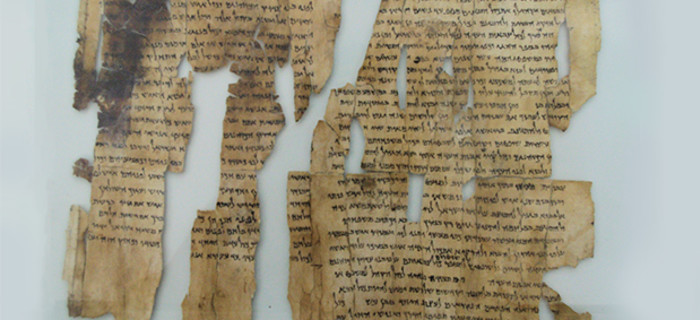
The Dead Sea Scrolls
Digging up the Past
Archaeology
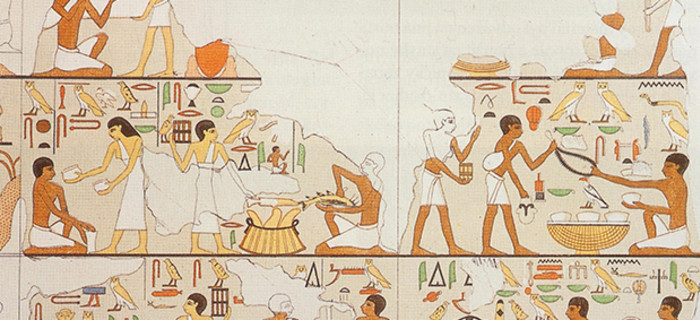
Burial Customs in Bible Lands
Digging Deeper
Archaeology
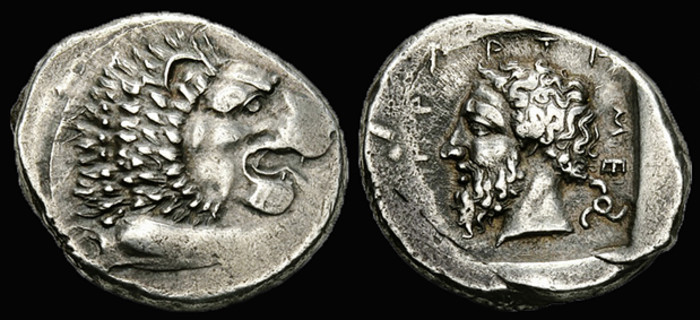
Coins in Antiquity
Digging Deeper
Bible & Prophecy
View More
Bible & Prophecy
William Tyndale
Scholar, Bible translator and Reformer reformation
Bible & Prophecy
The Sabbath Conspiracy
Discover the Authentic Sabbath
Bible & Prophecy
Live a Whole Life
A biblical perspective of health and wellbeing
Family & Relationships
View More
Family & Relationships
Relationships
Take an amazing journey through the ins and outs of how we relate to people day by day
Family & Relationships
Parenting
What kind of a parent are you?
Family & Relationships
Forgive to Live
How Forgiveness Can Save Your Life
Health & Wellbeing
View More
Health & Wellbeing
Sunshine & Bugs
Sunlight and intestinal bacteria
Health & Wellbeing
Plants & Fats
Exploring plant-based diets
Health & Wellbeing
The Silent Killer
What we do know about cancer
Spirituality
View More
History
Faith of Doss
The Hero of Hacksaw Ridge
Spirituality
Teach Me To Pray
So you don't know much about God, but you're open to finding out.
Spirituality
John Huss & Jerome: Burned for Their Faith
Reformation: A new Beginning
Home
Watch
Read
Learn
TV
Radio
 So you don't know much about God, but you're open to finding out.So you don't know much about God, but you're open to finding out.